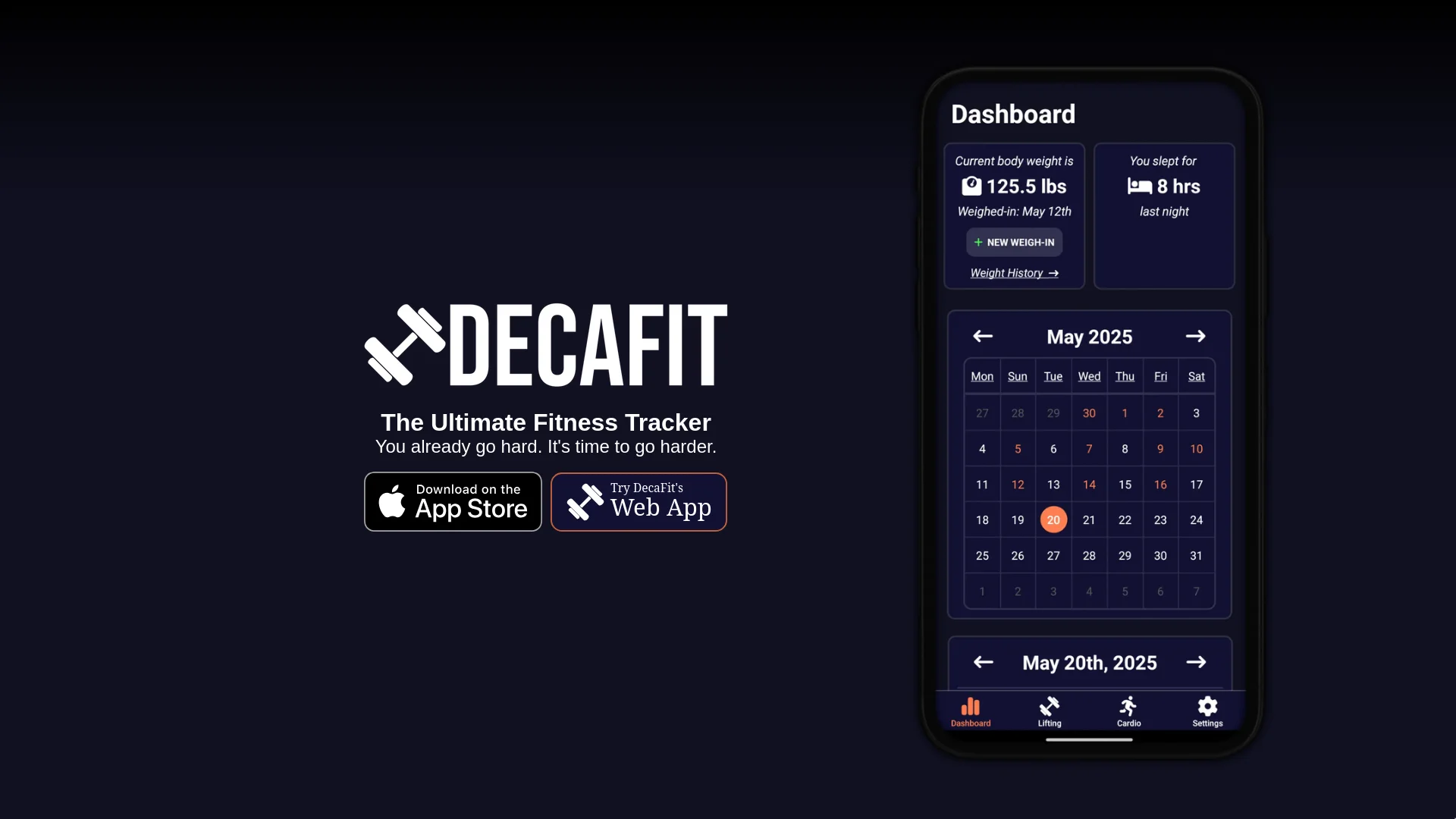
What it does
A lifter logs reps and weights for each set. Saving works without a connection. When a signed-in user opens the app with a connection, it sends any changes made offline and then brings in their workout history from the cloud.
What I did
- Built and shipped the app on iOS and the web from one React Native code base.
- Implemented workout logging that writes reps and weights to SQLite before attempting a cloud write.
- Queued offline writes for signed-in users when Supabase returned network status 0.
- At a connected, signed-in launch, replayed the pending operations, then imported the user's Supabase workout history into SQLite, inserting or updating records by ID.
One decision
Save on the phone first. When a lifter saves a set, the app writes it to SQLite before it tries the cloud. That keeps a local record of the workout even without a connection.
If the Supabase write returns network status 0 for a signed-in user, the change goes into a local queue. Each queued entry records the operation and table, with the data or target ID it needs to replay. At the next connected launch, the app replays the queue before it fetches cloud history, so the workout screens read from the same SQLite tables either way.
Evidence
- The app is archived. I can walk you through the workout-saving and startup code.
- Email me to set up a walkthrough.